Opera 12
Detailed instructions to completely clear the cache for Opera on the pc


Opera on PC
- Step 1
-
Click on Opera in the top left corner

- Step 2
-
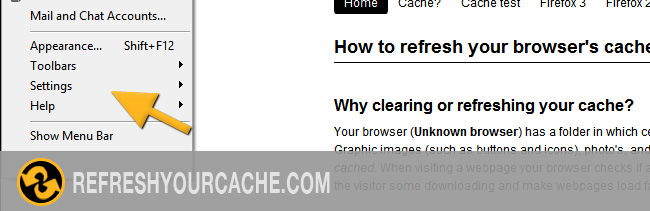
Move the mouse to Settings
- Step 3
-
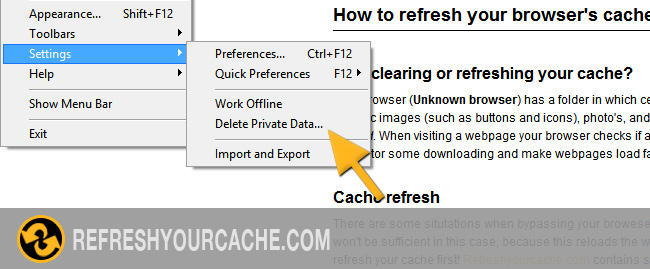
Click on Delete Private Data...
- Step 4
-
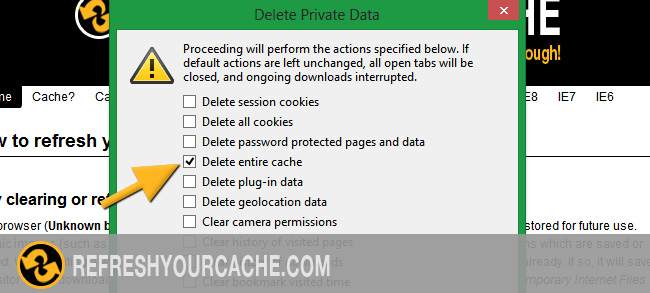
Select Delete entire cache from the list.
- Step 5
-
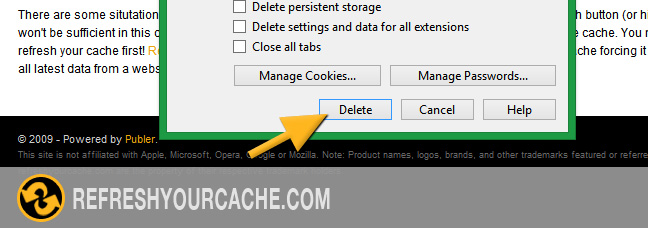
Click on Delete